Flight Sim Glossary: 40+ Terms You'll Hear in the Virtual Cockpit
From 'Bingo fuel' to 'Wild Weasel' — 40+ brevity codes, acronyms and slang every flight sim pilot should know, especially for combat aviation.
7 min readFree Guide
Practise programming the Airbus MCDU and Boeing FMC with guided scenarios and instant feedback, no simulator required. Then go deeper with our in-depth guides, approach plate quizzes, and performance tools.
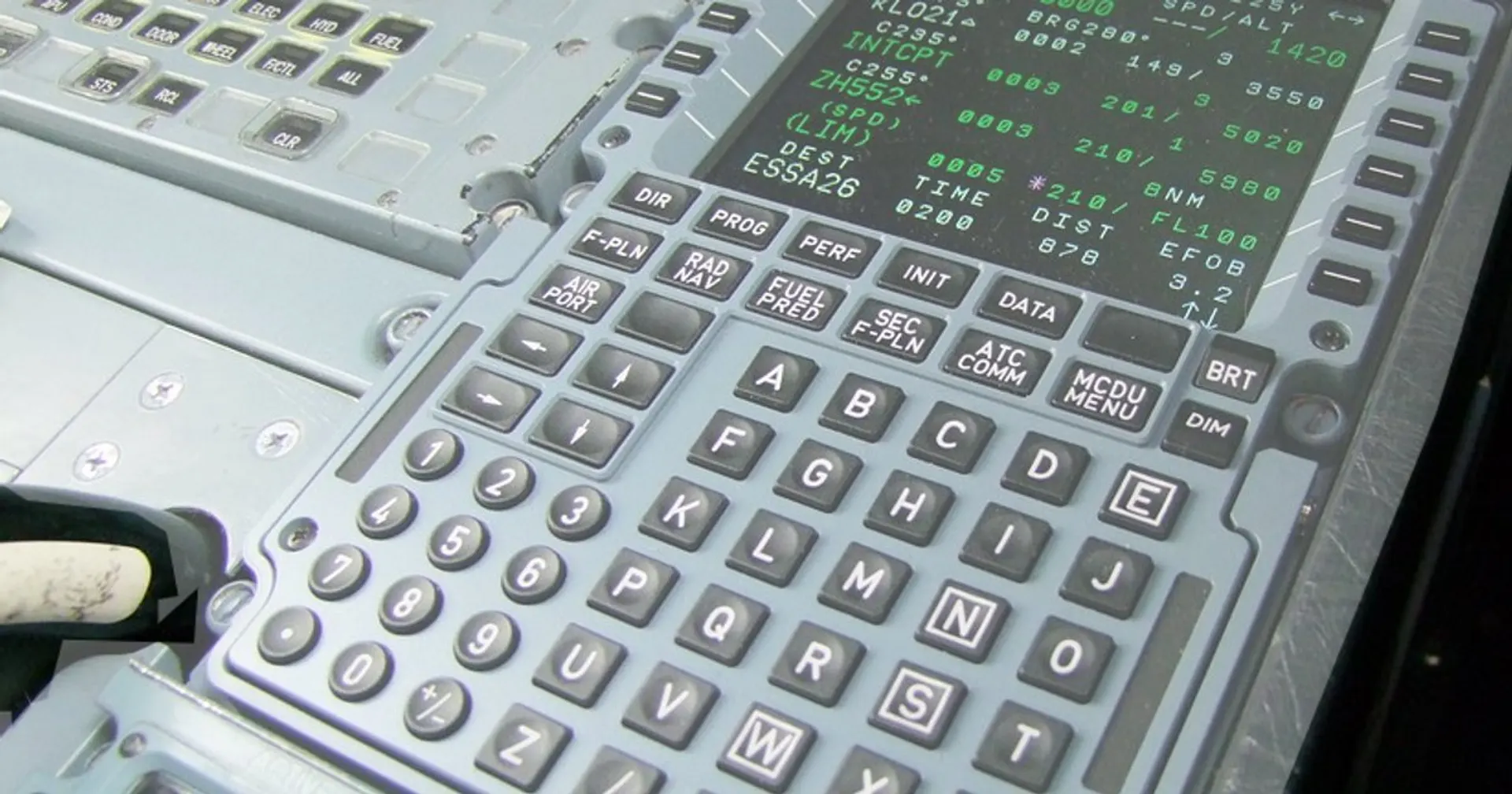
Interactive tools that teach real airliner procedures. No download, no simulator, no account required to start.
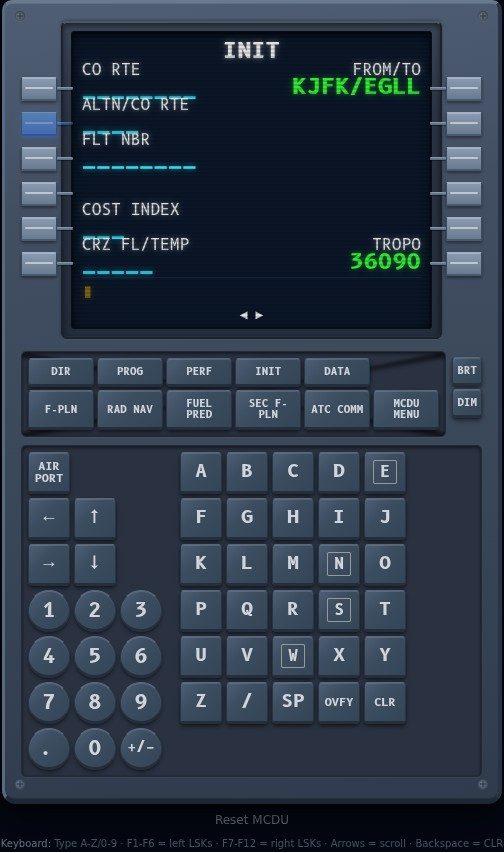
Practise programming the Airbus A320 MCDU right in your browser. Guided scenarios walk you through route entry, INIT page setup, and performance configuration with instant feedback.
Try the MCDU Trainer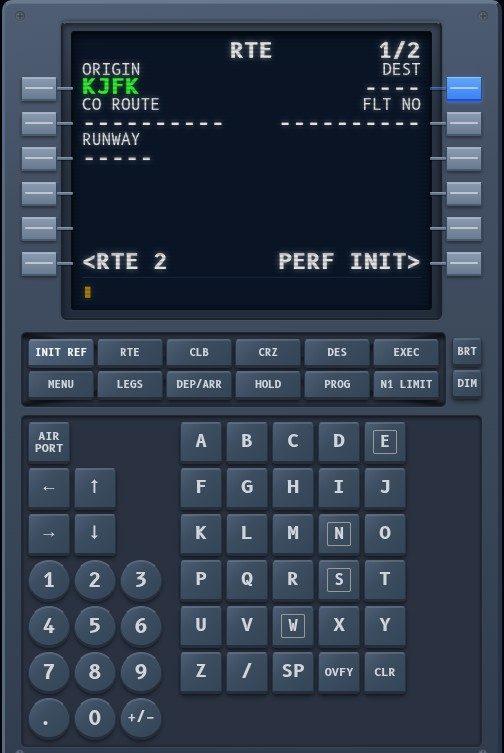
Learn the Boeing 737 FMC/CDU with interactive scenarios: the same procedures PMDG 737 pilots use, from cold and dark to cruise.
Try the CDU Trainer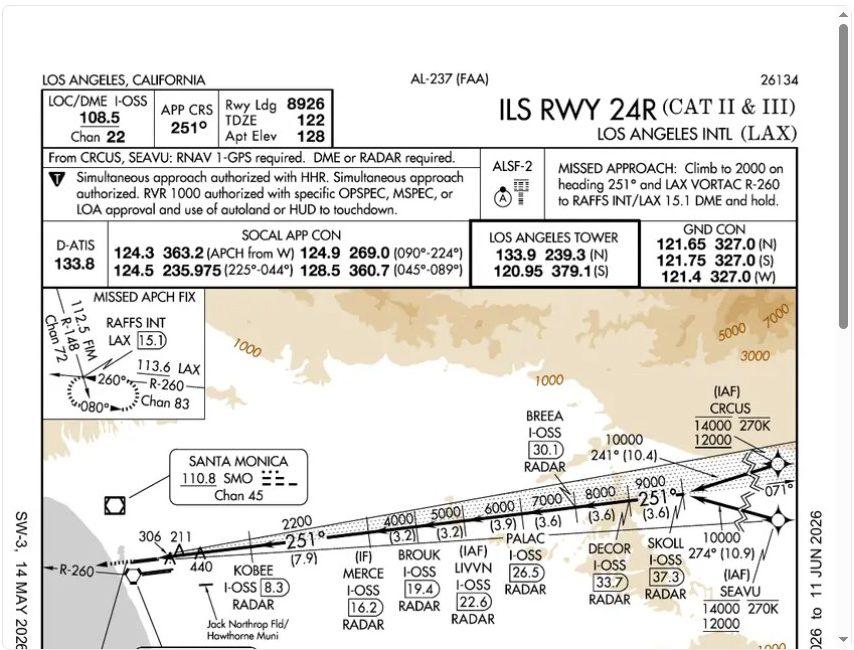
Real FAA and UK AIP approach plates with 10 questions each. Find the localiser frequency, decision altitude, missed approach procedure, and MSA, the same information you brief before every approach.
Take a Plate Quiz
Calculate V1, Vr, V2 speeds and FLEX temperatures for the A320 based on weight, flap setting, and conditions. Cross-referenced against FCOM data.
Open the CalculatorImport your flight and programme it keystroke by keystroke, with AI feedback on every run. One subscription covers both trainers and every premium tool.
£49/year (£4.08/month) or £6.99 month to month. Cancel anytime.
See Premium PlansFree in-depth guides to help you become a better virtual pilot.
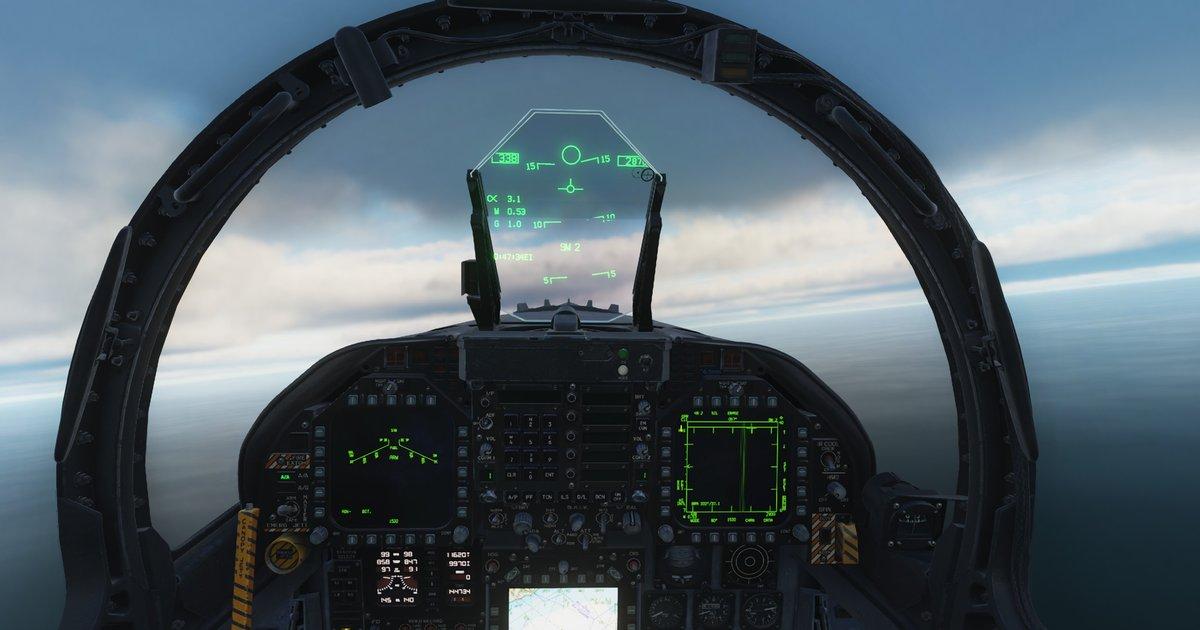
From 'Bingo fuel' to 'Wild Weasel' — 40+ brevity codes, acronyms and slang every flight sim pilot should know, especially for combat aviation.
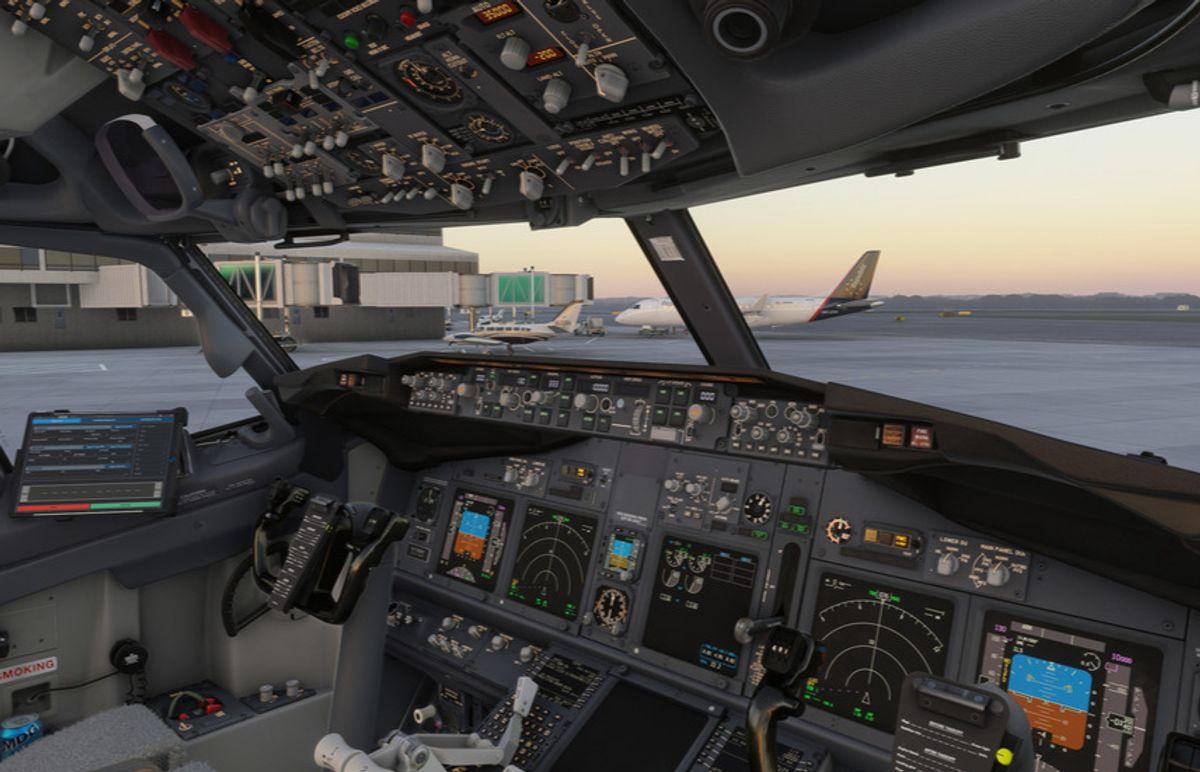
Every 737 CDU constraint format that works: A and B suffixes, speed/altitude pairs, the trailing slash rule, windows, DELETE, and why entries get rejected.
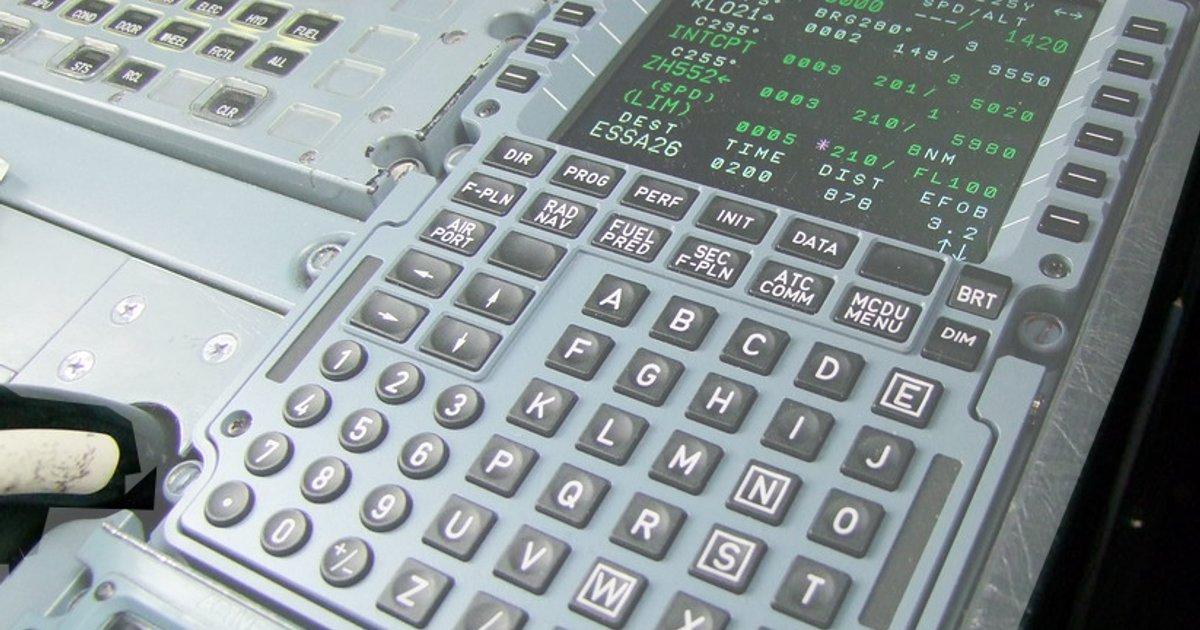
The Boeing 737 CDU from cold and dark: route entry, performance data and the workflow that actually gets a flight set up in MSFS and X-Plane.
SimTuts is a free, browser-based flight simulation training platform. It has 8 interactive cockpit trainers you operate yourself (the Airbus A320 MCDU, the Boeing 737 CDU, the Garmin G1000, ATC radio phraseology, and live holding pattern, ILS approach, RNAV approach and descent planning trainers), plus fact-checked guides, approach plate quizzes and flight planning tools. The core trainers are free and need no account; SimTuts Premium is an optional subscription that adds advanced scenarios, AI feedback and a results history.
The SimTuts MCDU trainer is a free, browser-based simulation of the Airbus A320 MCDU. Guided scenarios walk you through real procedures (route entry, INIT page setup, performance configuration, SID/STAR selection) with instant feedback on every keystroke. There's also a Boeing 737 CDU trainer covering the same ground for the PMDG 737. No simulator or download required.
Yes. The core A320 MCDU and Boeing 737 CDU scenarios are completely free and don't require an account. SimTuts Premium adds advanced scenarios, AI feedback on your technique, extra approach plates, the A320 takeoff performance calculator, and SimBrief import that builds a guided prep for your actual flight. A free account saves your progress across devices. Cancel anytime.
Premium unlocks advanced MCDU and CDU scenarios, AI-powered assessment feedback, the full approach plate quiz library, the A320 takeoff performance calculator, full AI debriefs in the ATC radio practicer, and your results history. SimBrief import turns your own OFP into a guided walkthrough of your actual route, SID, STAR, airways and V-speeds, at any airport. It covers both the A320 and 737 trainers in one subscription. Cancel anytime.